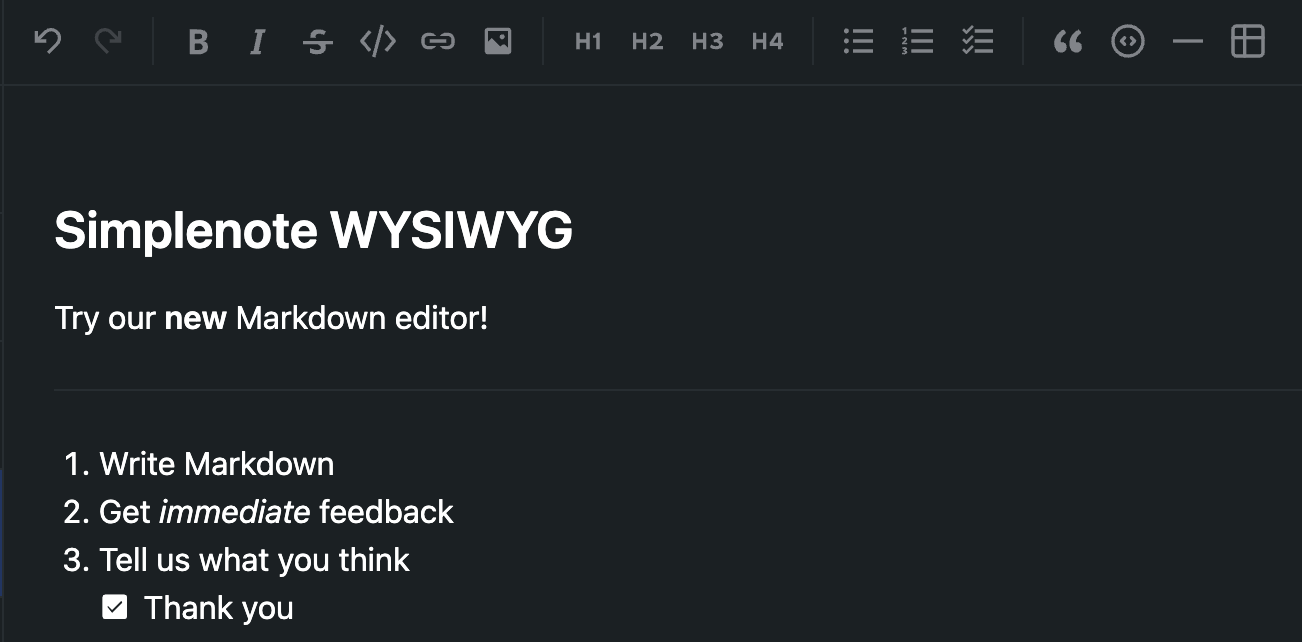
A few months ago, Automattic launched Radical Speed Month: a company-wide sprint during which teams picked a passion project and built something real. Here at Simplenote, one of those projects focused on the editor. Could we make Markdown feel more immediate in Simplenote? Still plain text at its core, but easier to read and write? The result is a “What You See Is What You Get” (WYSIWYG) Markdown editor prototype for the Simplenote desktop app, and we’re ready for you to try it!
What we built
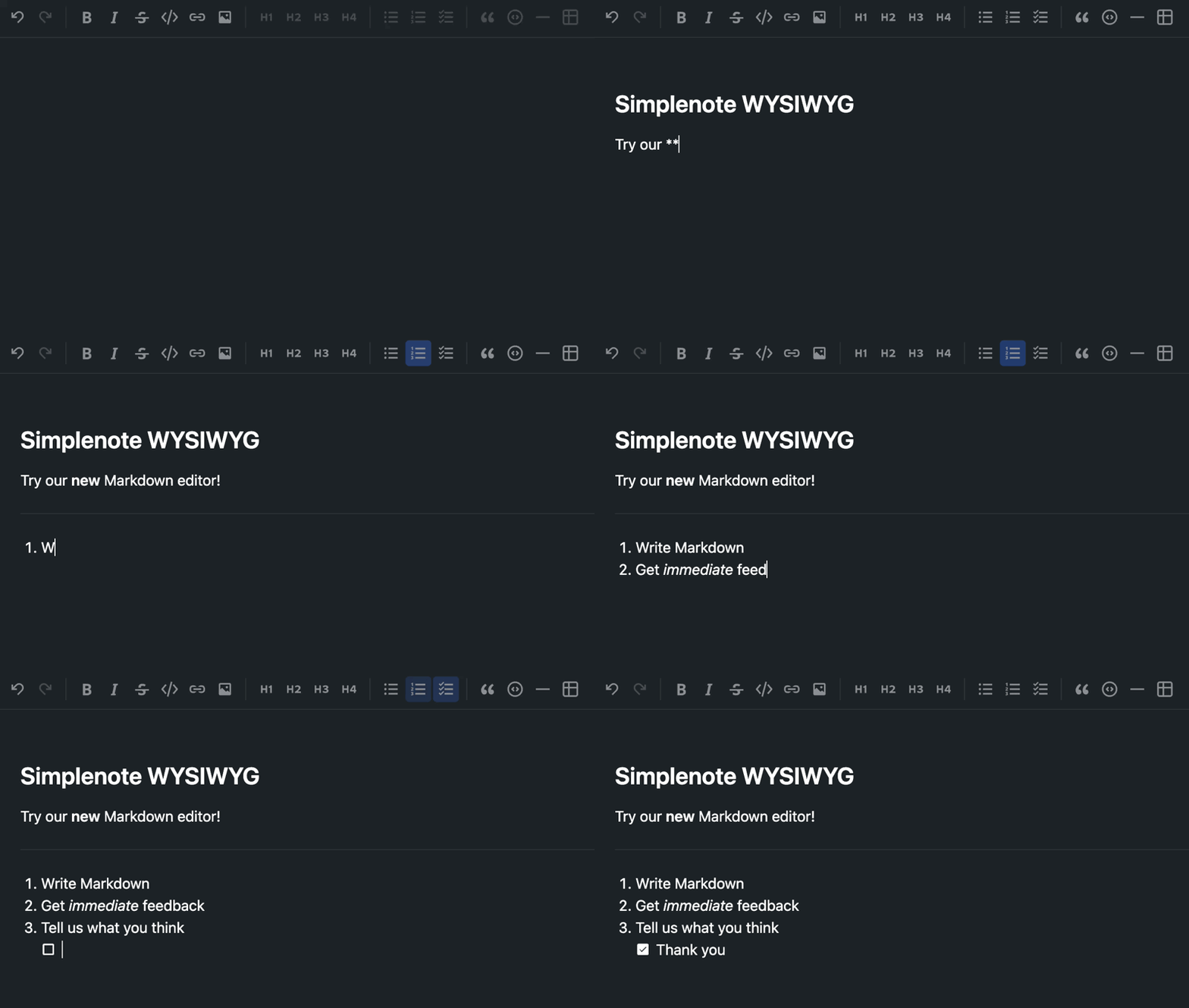
Simplenote isn’t changing what a note is. Your notes are still Markdown (or plain text). They still sync everywhere. What’s new, however, is how writing feels on desktop. Headings, bold, italic, strikethrough, and list markers appear styled inline as you type Markdown. **bold** becomes bold, # heading becomes a large heading. Need help with Markdown syntax? The new toolbar is there to help.
Now it’s your turn! Give us your feedback and help us shape the future of the Simplenote editor.
Try the prototype
This build is available for Windows, macOS, and Linux as a pre-release desktop download:
Or browse all files on the GitHub release page.
One app at a time: Quit any open copy of Simplenote before installing or launching this build.
Returning to the official app: Your notes stay in your account no matter which build you’re running. If you replaced your usual Simplenote install, you’ll be prompted to switch back when a new release is available — or simply reinstall the latest version anytime from simplenote.com.
Tell us what you think
If this editor makes writing easier, we want to hear about it. If something doesn’t feel quite right, we want to hear about that too. Please drop us an email at support@simplenote.com.


I’m confused … I thought I read Simplenote would be going away … ie you weren’t going to keep supporting it.I’m a very happy user
Hi!
While Simplenote is no longer in active development, many of us here at Automattic are happy users too and the app remains available.
As of right now, the new WYSIWYG prototype is a one-off project that was part of Automattic’s Radical Speed Month. If it is well received, I can better justify spending a bit more time on it and get it published to all Simplenote users, so any feedback is greatly appreciated.
I love the idea of a WYSIWYG Markdown editor for SimpleNote with a toolbar, something I’ve long wanted. But my first try with the MacOS app (version 2.27.2-md-editor-wysiwyg.1) was unsuccessful, so I’ve switched back to the original app. The problem is that when I opened a note, it was truncated. The first 500 or so words (just an estimate) of my note were missing.
Hi Edward, thank you for giving it a try! I sent you an email. My apologies again. Hopefully, we can get to the bottom of this issue.
Sweet! I have 1,000 notes to sort through. I really hope this makes it easier to edit the markdown formatted ones. Thanks.
Sounds good! Let us know how it goes.
It turns out out of all my notes only a handful had markdown. Less than 20. I tried out this experimental editor as a .deb on ChromeOS. The editor is neat. I think it’s nice how there’s a UI for the md codes I might forget. One problem: some text went missing after returning to one note. I’m liking the create table thing and the way I can add collumns and rows. That’s one easy way to have tables!