Last month, we announced a basic MCP server for Simplenote which allowed macOS users to use their favorite AI tool to search their notes.
Now we’re excited to announce an updated version which supports macOS, Windows, and Linux plus new functionality to make working with notes even better:
- All of the existing read-only tools to search notes, list notes, list tags, and get a note’s contents.
- Create new notes.
- Update existing notes.
- Delete a note (but not permanently, it just goes in the Simplenote Trash).
- Restore a trashed note.
- See the version history of a note.
- Revert a note to a specific point in history.
How to use it
Some example things you could say to your LLM:
- “List my Simplenote tags”
- “Show my recent notes”
- “Search my notes for ‘recipe’”
- “Show notes tagged ‘ideas’”
- “Get the full content of note [id]”
- “Show me the version history of [note title]”
- “Show me what version 42 of that note looked like”
- “Revert that note to the previous version”
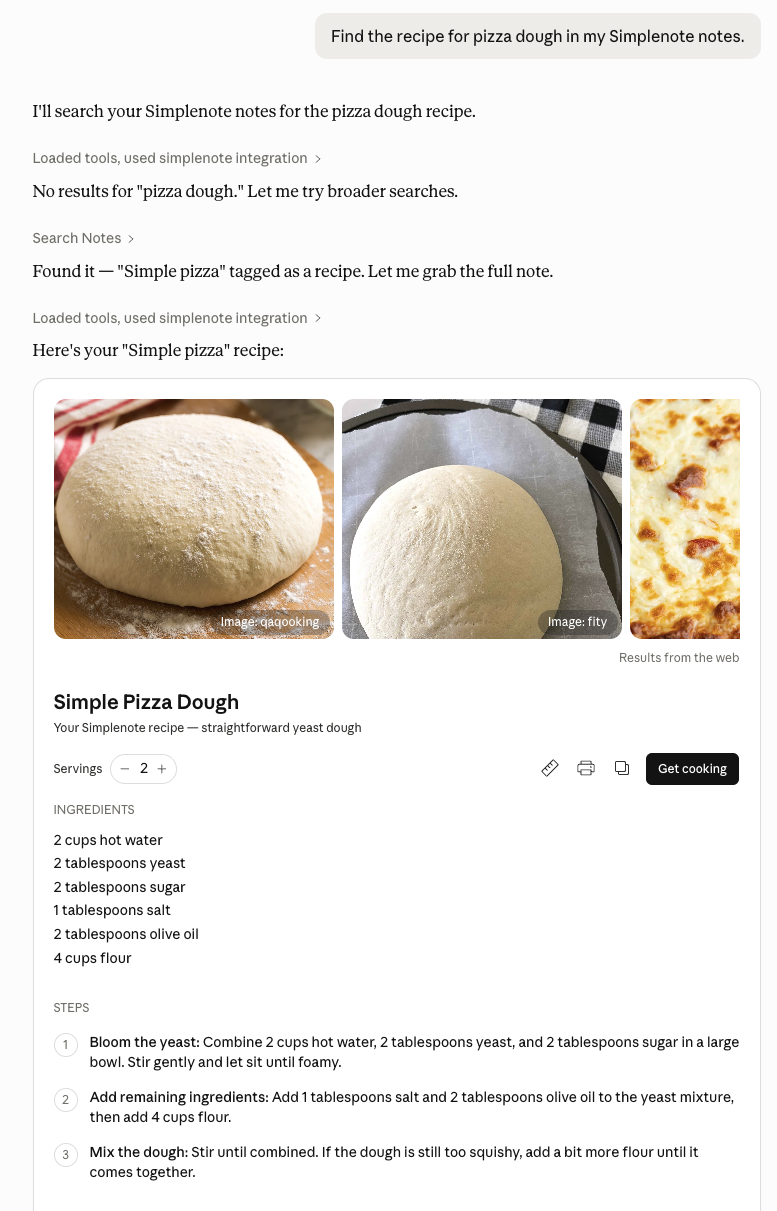
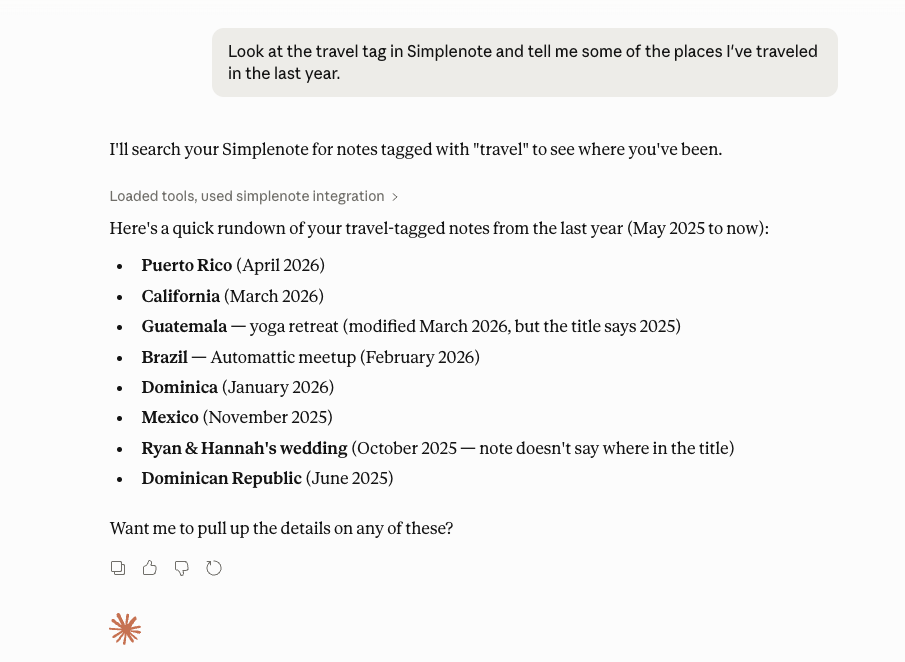
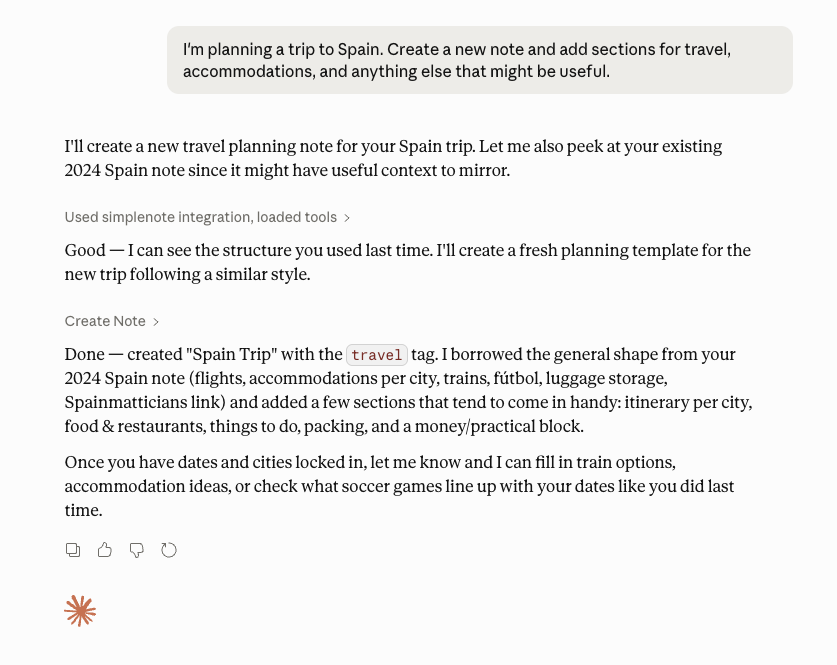
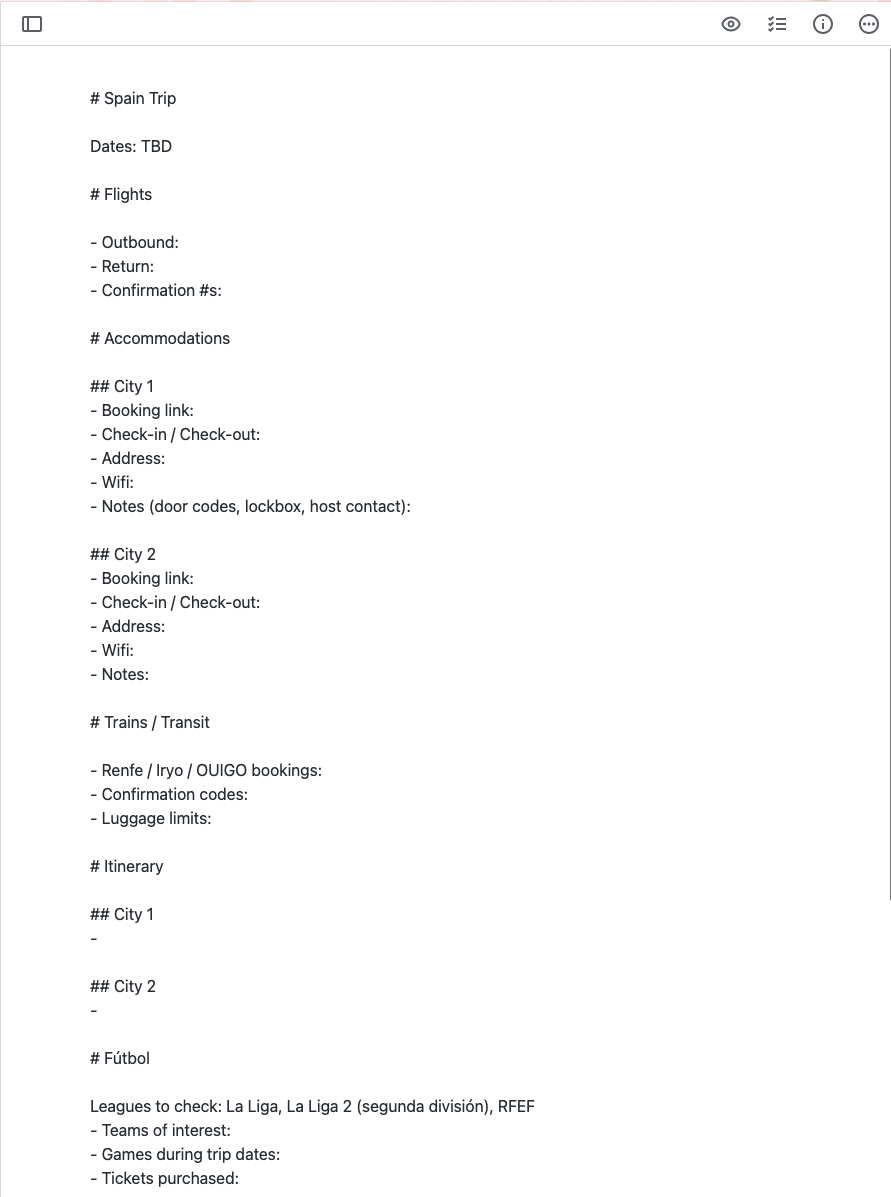
Write Mode
We’re excited for the possibilities that come with letting your AI tools create and update notes. However, write-mode is completely opt-in. When you run the setup flow, you’ll be prompted to enable or disable write-mode. You can change your mind to opt in or out at any time.
We’ve also added a number of safety guards to help protect your data. The tool won’t allow an LLM to completely wipe out the contents of a note, drastically shrink a large note, or do too many write operations in a short amount of time
Get it here
The latest version can be found on the MCP Registry, NPM, and https://github.com/Automattic/simplenote-mcp. It’s still free and open-source so feel free to submit any ideas or issues you might have or even a Pull Request with a code update of your own.


